
The biggest mistake you can make in your first week setting up a smart home is skipping careful planning and compatibility checks. Without a clear layout and ensuring devices work together, you risk ending up with a disorganized system that’s difficult to manage. Neglecting security and improper voice assistant setup add to the frustration. If you want to avoid these common pitfalls and create a smooth, efficient smart home, there’s more to contemplate for lasting success.
Key Takeaways
- Failing to verify device compatibility before purchase causes setup delays and device disconnections.
- Improper voice assistant configuration leads to unresponsive commands and frustration.
- Rushing into device installation without a clear plan creates disorganization and control issues.
- Ignoring security measures like default passwords increases vulnerability to hacking.
- Not updating firmware and apps promptly can cause compatibility problems and security risks.
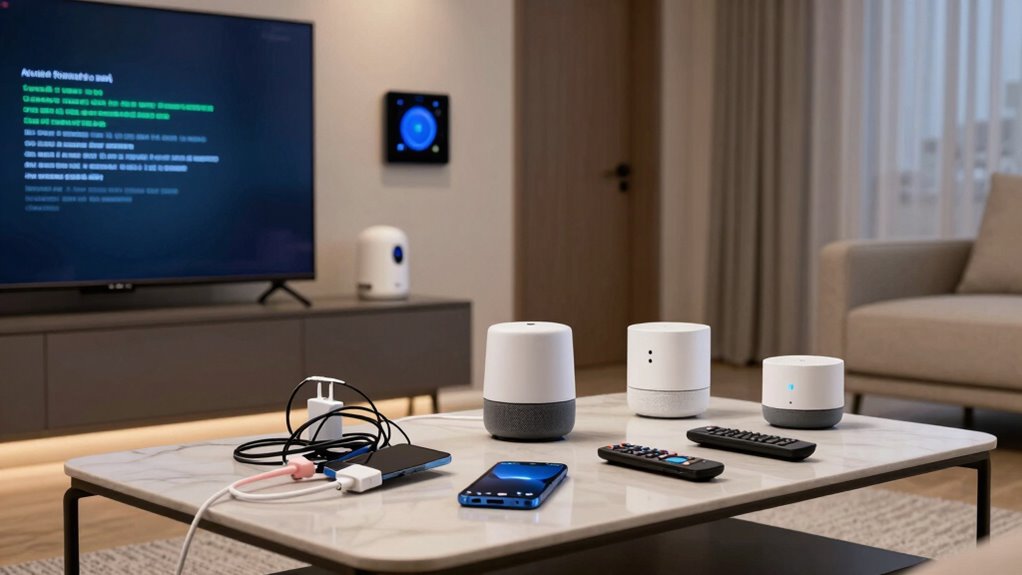
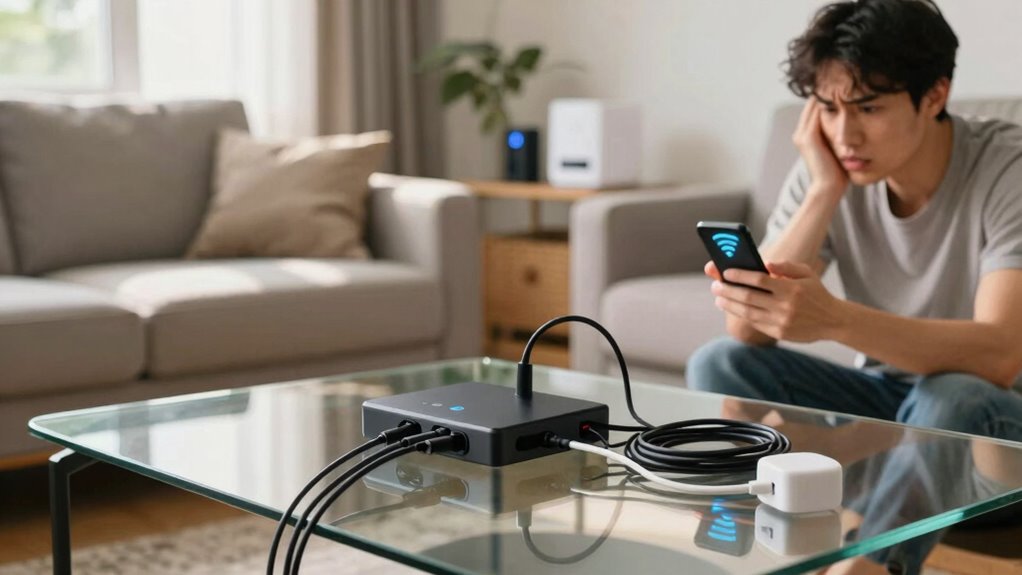
Setting up a smart home can be exciting, but the first week often reveals common mistakes that can cause frustration down the line. One of the biggest errors you might make is overlooking the importance of device compatibility. When you’re eager to connect multiple devices—smart lights, thermostats, security cameras, and voice assistants—it’s easy to assume they’ll work seamlessly together. However, not all devices are compatible with each other or with your chosen smart home hub. Before purchasing, you should double-check each device’s compatibility with your system and the voice command platform you plan to use. Failing to do this can lead to a jumble of disconnected gadgets that don’t respond as expected, leaving you frustrated rather than in control.
Ensure device compatibility to prevent disconnected gadgets and frustration in your smart home setup.
Another common mistake is neglecting the setup of a reliable voice command system. Voice assistants like Alexa, Google Assistant, or Siri are central to a smart home experience, but they require proper configuration. If you don’t set up voice command correctly, you might find yourself repeating commands multiple times, or worse, encountering devices that don’t respond at all. It’s essential to train your voice assistant to recognize your voice and to understand the specific commands needed to control your devices. Proper setup means you’ll enjoy a smoother experience, with your smart home responding promptly and accurately to your voice prompts. Additionally, understanding the voice recognition capabilities and limitations can help you troubleshoot issues more effectively.
Many beginners also rush into installing devices without planning out their smart home ecosystem. You might buy a bunch of gadgets and start installing them in different rooms without considering how they will interact. This can lead to a disorganized setup where some devices are harder to control or where automation routines don’t work as intended. Take the time to map out your home’s layout and think about how each device will fit into your daily routines. This planning helps you avoid the common mistake of a chaotic, ineffective smart home that’s more trouble than it’s worth.
Finally, you might overlook the importance of secure setup and updates. During the first week, make sure to change default passwords on all devices and enable security features. Also, keep your device firmware and apps up to date to guarantee compatibility and security. Neglecting these steps can leave your smart home vulnerable to hacking or cause devices to malfunction, which can undermine your entire setup. Being aware of device security and implementing best practices early on will help protect your smart home from potential threats. Regularly reviewing your security settings and update notifications is a simple yet effective way to maintain safety.
In the end, by paying attention to device compatibility, properly configuring voice commands, planning your setup, and prioritizing security, you’ll avoid the most common pitfalls during your first week. This proactive approach sets the foundation for a smart home that’s functional, secure, and truly convenient.
smart home device compatibility checker
As an affiliate, we earn on qualifying purchases.
As an affiliate, we earn on qualifying purchases.
Frequently Asked Questions
How Can I Prevent Security Vulnerabilities During Initial Setup?
To prevent security vulnerabilities during setup, you should enable device encryption and set strong, unique passwords for all devices. Use user authentication features like two-factor authentication whenever available, and avoid default passwords. Regularly update your device firmware and review security settings. These steps help protect your smart home from unauthorized access, ensuring your devices stay secure from the start.
What Is the Best Way to Integrate Multiple Smart Devices?
Think of your smart home as a symphony, where each device plays an essential role. To harmonize it, focus on seamless device compatibility and voice control. Start by choosing devices that support the same ecosystem, ensuring they communicate effortlessly. Use a central hub or app to coordinate commands, making voice control intuitive. This approach creates a unified experience, turning your smart home into a well-orchestrated space rather than a discordant jumble.
How Do I Troubleshoot Connectivity Issues Quickly?
When facing connectivity issues, start by checking device compatibility to guarantee your devices work well together. Next, restart your router and smart devices to refresh connections. Look for any pending firmware updates, as these often fix bugs and improve stability. If problems persist, reset the device or reconnect it to your network. Regularly updating firmware and verifying compatibility can prevent many connectivity hiccups in your smart home.
What Privacy Settings Should I Prioritize First?
You should prioritize privacy settings that control voice recognition and data encryption. Disable voice recognition features if you don’t need them to prevent your voice data from being stored or misused. Make certain data encryption is enabled for all connected devices to protect your personal information during transmission. Regularly review app permissions and disable any unnecessary access to keep your smart home secure and your privacy intact.
How Can I Optimize Energy Savings From the Start?
To maximize energy savings from day one, you must optimize your smart home setup. Focus on configuring your devices for energy efficiency—like scheduling lights and thermostats to run only when needed—and guarantee device compatibility so everything works seamlessly. This way, your smart home doesn’t just save energy; it transforms into an energy-saving powerhouse, slashing utility bills and making your home smarter and greener from the very start!
Conclusion
So, don’t let rookie mistakes turn your smart home dreams into a “fools’ paradise.” Take your time during that first week—read manuals, set clear routines, and double-check settings. Remember, even the most tech-savvy folks once struggled with their first dial-up internet. With patience and a bit of common sense, you’ll turn your smart home into a seamless sanctuary faster than you can say “Beam me up, Scotty.” Happy smart living!