
To set up voice-activated lighting for accessibility, start by choosing smart bulbs compatible with your preferred voice assistant like Alexa, Google Assistant, or Apple HomeKit. Install the bulbs and connect them to your Wi-Fi network using their app. Then, link your smart system to your voice platform, assign easy-to-remember names, and create custom commands. Make sure to test the setup from different angles. Keep exploring to learn how to optimize and troubleshoot your system for better accessibility.
Key Takeaways
- Verify your smart lighting and voice assistant compatibility and support accessibility features before setup.
- Install and connect smart bulbs to your Wi-Fi network, then configure them using the manufacturer’s app.
- Link your smart lighting system to your preferred voice platform (Alexa, Google Assistant, or HomeKit) for control.
- Customize voice commands and routines to simplify lighting control and enhance accessibility.
- Test voice commands from different angles, adjust microphone placement, and ensure system reliability for consistent use.
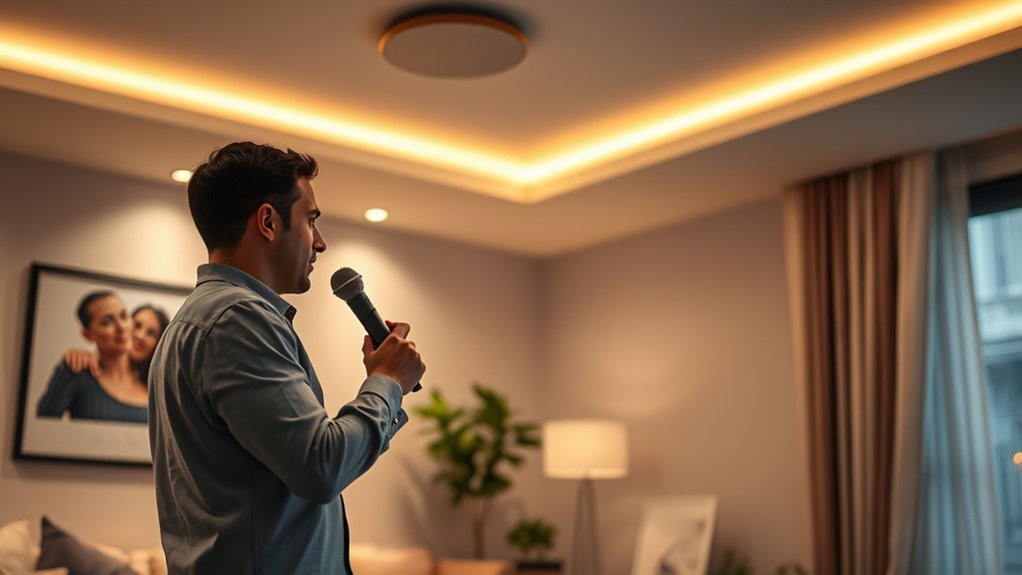
Voice-activated lighting is transforming accessibility by allowing people with mobility or vision challenges to control their environment more easily. With the right setup, you can turn lights on or off, adjust brightness, and even change colors simply by speaking. This technology relies heavily on smart home integration and voice recognition technology, making it essential to choose compatible devices and systems. Before diving into the setup, ensure your smart home ecosystem supports voice commands through popular platforms like Amazon Alexa, Google Assistant, or Apple HomeKit. Compatibility is key to creating a seamless experience, so check device specifications carefully.
Once you’ve confirmed compatibility, start by selecting voice-activated lighting fixtures or smart bulbs. These devices connect to your existing Wi-Fi network and can be controlled via voice commands once integrated into your smart home system. Installing these bulbs is straightforward—just screw them into your existing fixtures and turn on the power. Next, connect your smart lighting system to your chosen voice recognition platform. This typically involves downloading the corresponding app, creating an account, and linking your devices through the app’s setup process. During this phase, you might need to enable specific skills or services within your voice assistant app, such as “Smart Home” or “Lighting Control.”
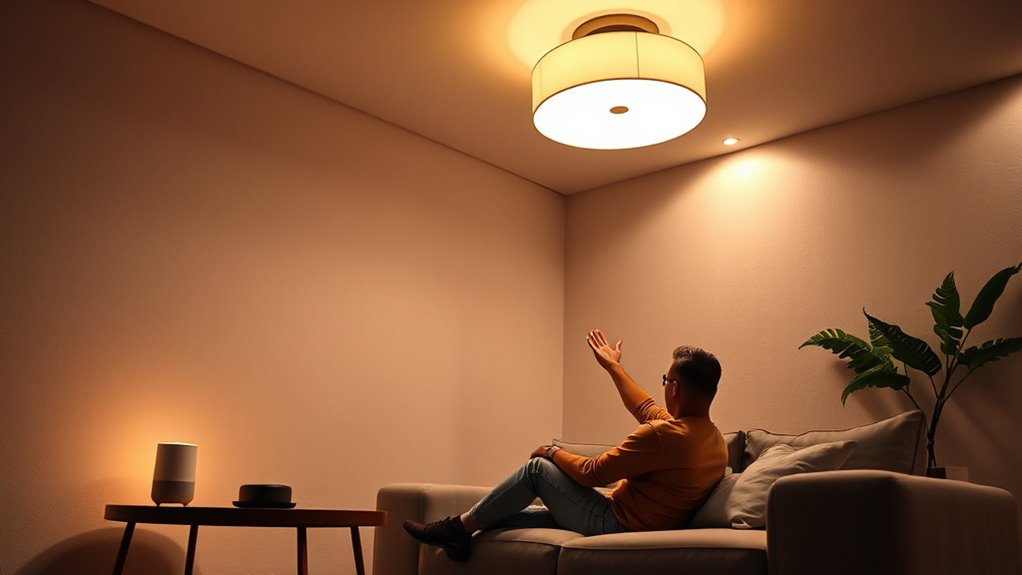
After connecting your smart lighting to your voice recognition technology, the next step is to create voice commands that suit your preferences. Many systems allow you to assign custom names to individual lights or groups, making commands more natural and intuitive. For example, you can say, “Hey Google, turn on the living room lights,” or “Alexa, set the bedroom lights to 50% brightness.” You can also set routines or schedules if you want lights to turn on or off automatically at certain times, enhancing convenience and safety.
Training your voice recognition technology is essential for accurate command recognition, especially if you have a unique voice or speech pattern. Many platforms allow you to repeat commands during setup to improve recognition accuracy. Once everything is configured, you should test your setup thoroughly. Speak commands clearly and from different angles to ensure the system responds reliably. If it doesn’t, revisit your device placement or voice training, as proper microphone placement and clear speech are crucial. Additionally, using waterproof devices can enhance durability in environments prone to moisture, ensuring long-term reliability of your smart lighting setup.
Frequently Asked Questions
What Is the Cost Range for Installing Voice-Activated Lighting Systems?
The cost for installing voice-activated lighting systems typically ranges from $200 to $1,200, depending on your lighting installation needs and system integration complexity. Basic setups with smart bulbs are more affordable, while advanced systems with multiple zones or custom controls can cost more. Keep in mind, professional installation guarantees seamless integration, which might add to the overall expense but ensures better functionality and accessibility.
Are Voice-Activated Lights Compatible With Smart Home Devices?
You’ll find that many voice-activated lights are compatible with smart home devices, but it’s not always a walk in the park. Check compatibility standards and third-party integrations to make sure everything plays nicely together. Some systems work seamlessly, while others might need extra hubs or updates. Think of it as fitting puzzle pieces—if they’re compatible, you’ll enjoy smooth operation and a smarter, more accessible home.
How Secure Are Voice Commands Against Accidental Activation?
Voice commands are generally secure, but accidental activations can happen if voice command accuracy isn’t perfect. To reduce this risk, many systems use wake words or voice recognition that only responds to your specific voice. You can also customize commands and set confirmation prompts, making it less likely for your lights to turn on or off unintentionally. Staying aware of these features helps guarantee your voice-activated lighting remains safe and reliable.
Can Voice-Activated Lighting Be Used Outdoors or in Humid Environments?
Imagine your porch light responding effortlessly as you approach on a rainy evening. Voice-activated lighting can work outdoors, but you need to take into account outdoor durability and humidity considerations. Choose weatherproof devices rated for outdoor use, and ensure they’re resistant to moisture and temperature changes. Proper installation and quality equipment help your voice commands stay reliable, even in humid environments, so you can enjoy hands-free lighting anytime, rain or shine.
What Training or Setup Is Required for Elderly Users?
You’ll need to provide elderly training that covers basic voice commands and device operation. Simplify setup instructions, emphasizing step-by-step guides and visual aids if possible. Make sure they understand how to connect the voice assistant, test the system, and troubleshoot common issues. Offer ongoing support and practice sessions to boost confidence. Clear, patient instructions help elderly users comfortably operate voice-activated lighting, ensuring they feel secure and independent.
Conclusion
By setting up voice-activated lighting, you turn your home into a sanctuary of independence and convenience. It’s like having a helpful guide at every turn, making everyday tasks smoother and safer. With just a simple voice command, you can brighten or dim your space effortlessly. Embrace this technology to enable greater accessibility and control, transforming your environment into a place where comfort and independence shine brighter than ever.