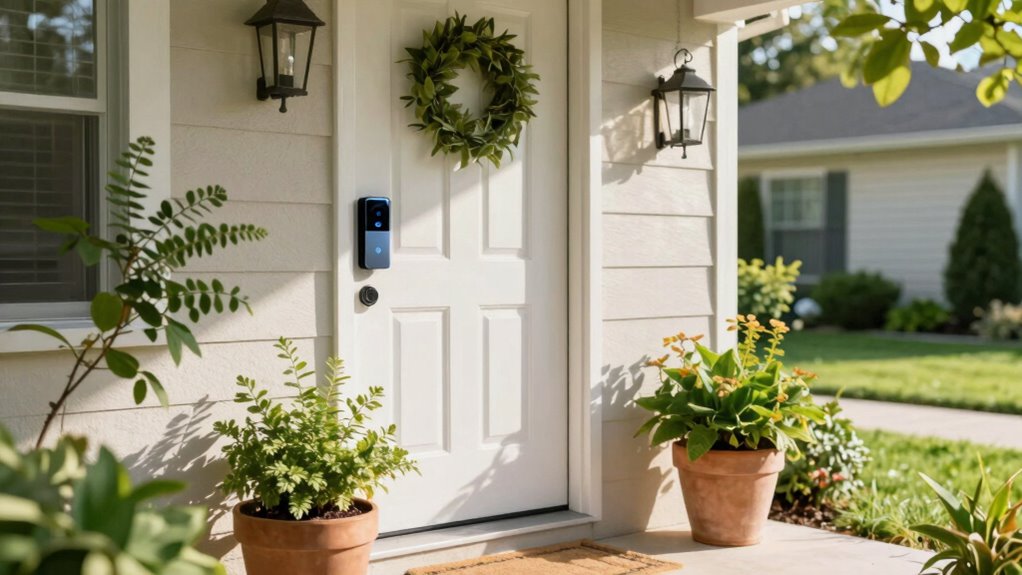

To stop false alerts from your video doorbell, start by identifying common triggers like pets and passing cars. Set up activity zones to focus on key areas while excluding busy sidewalks. Adjust motion sensitivity to prevent unnecessary notifications, especially during quiet hours. Don’t forget to update your firmware regularly for peak performance. If you’re still dealing with persistent alerts, there are more tips and tricks to help you fine-tune your device effectively.

Get decor and gifts delivered free with Prime
- Fast, free delivery on millions of items
- Prime Video, Amazon Music and more included
- Member-only deals all year
Key Takeaways
- Define activity zones to focus on important areas and exclude irrelevant zones, reducing unnecessary notifications from busy streets or sidewalks.
- Adjust motion detection sensitivity based on environmental factors to minimize alerts triggered by pets or passing vehicles.
- Set specific activity schedules to receive alerts only during defined hours, avoiding disturbances during quiet times like evenings or weekends.
- Regularly update your video doorbell firmware to improve performance, enhance motion detection accuracy, and fix bugs that may cause false alerts.
- Optimize camera placement and use night vision settings to reduce glare and improve detection in low light, limiting unnecessary notifications.
Identify Common Causes of False Alerts
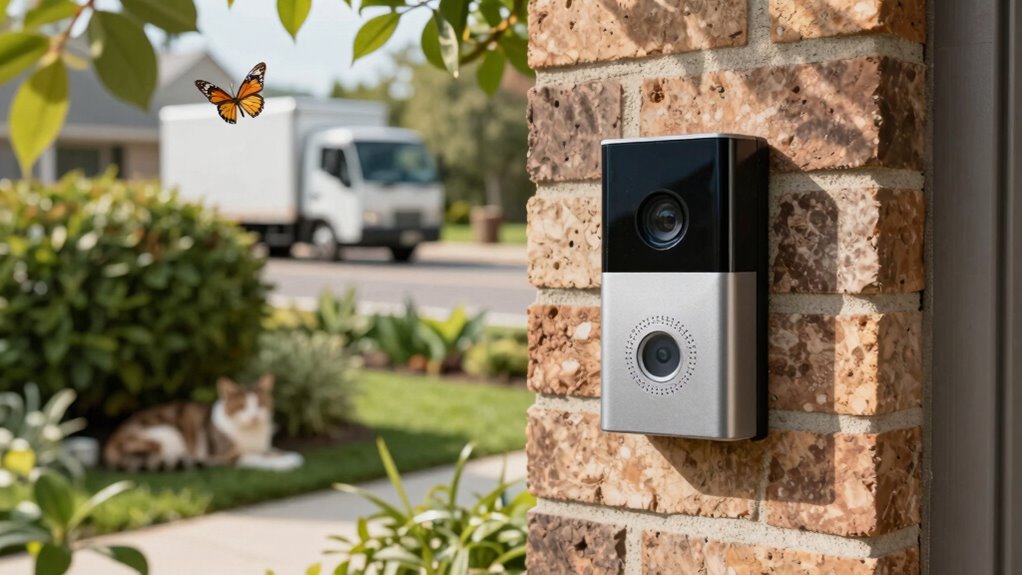
When you set up your video doorbell, it’s essential to understand the common causes of false alerts so you can minimize interruptions. Pet activity can trigger notifications, especially if your furry friend wanders near the camera. Weather conditions, like rain or wind, might also cause movement detection issues. Passing vehicles and neighborhood foot traffic can lead to unnecessary alerts, complicating your experience. Additionally, landscaping changes, such as new plants or garden decorations, might obstruct or confuse the camera’s view. Camera placement is critical; make sure it’s positioned well to avoid glare from lighting conditions. Seasonal variations can affect visibility, and don’t forget about regular device maintenance to guarantee peak performance while addressing any privacy concerns. Proper camera positioning can significantly reduce false alerts caused by environmental factors. Regularly reviewing your motion detection settings can further help fine-tune your alert system and avoid unnecessary notifications. To improve accuracy, consider adjusting the sensitivity levels to better distinguish between important movements and minor disturbances.
Establish Activity Zones to Reduce Alerts

To effectively reduce false alerts, establishing activity zones is essential for your video doorbell setup. By using zone management, you can focus your video doorbell’s activity tracking on specific areas, minimizing unnecessary notifications.
Establishing activity zones for your video doorbell is key to minimizing false alerts and enhancing notification accuracy.
- Define key areas like your front porch or driveway.
- Exclude irrelevant zones, such as busy sidewalks or roads.
- Adjust sensitivity to guarantee only significant movements trigger alerts.
- Regularly review settings to adapt to changes in your environment.
Adjust Motion Detection Sensitivity on Your Video Doorbell
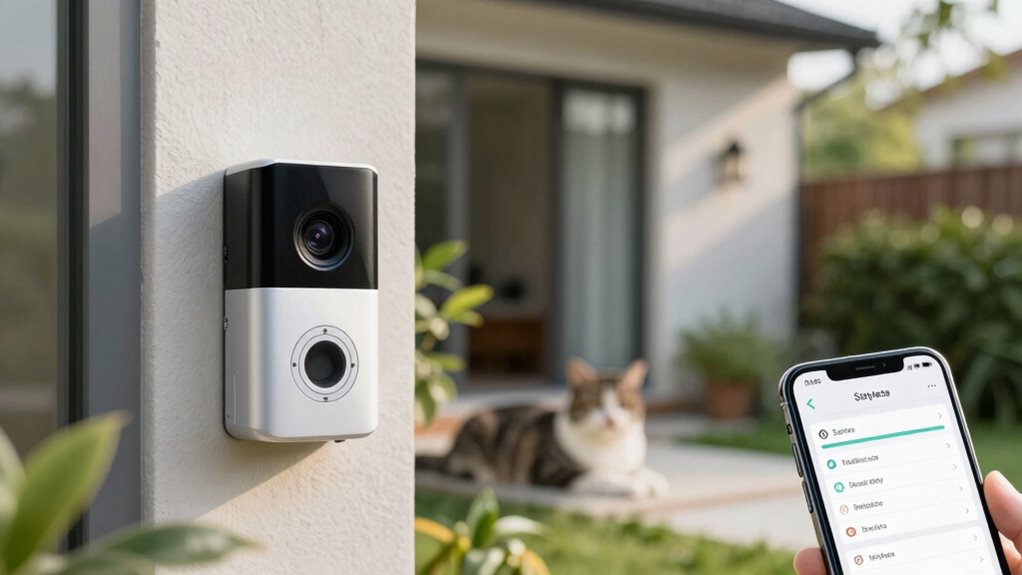
To get the most out of your video doorbell, it’s essential to adjust the motion detection sensitivity. You can optimize detection zones, tweak sensitivity levels, and set specific activity schedules. This helps you capture important events while minimizing unnecessary alerts. Additionally, understanding the settings of your device can enhance its performance and reliability. Incorporating privacy considerations ensures responsible use and protection of your household’s data. Being aware of home automation protocols can further improve your device integration and functionality. Monitoring microplastics in dust and other indoor pollutants can also contribute to a safer environment, ensuring your security devices work effectively within a healthy home.
Optimize Detection Zones
While you want your video doorbell to alert you to important activity, adjusting the motion detection sensitivity is essential for minimizing false alarms. Optimizing detection zones helps your doorbell use its detection algorithms effectively, taking into account various environmental factors. By focusing on specific areas, you can reduce notifications from irrelevant movements.
- Set zones to cover high-traffic areas, like walkways.
- Exclude areas with frequent movement, such as trees or pets.
- Adjust the height and angle of your doorbell for better coverage.
- Regularly review and tweak zones based on changing conditions.
With these adjustments, your video doorbell can distinguish between genuine threats and everyday occurrences, enhancing your security experience.
Adjust Sensitivity Levels
Optimizing detection zones sets the stage for fine-tuning your video doorbell’s motion detection sensitivity. Now, you can adjust the sensitivity levels to minimize false alerts. Start by accessing your doorbell’s settings through the app. Look for the motion sensitivity option; you’ll typically find settings ranging from low to high. If you notice frequent alerts triggered by passing cars or pets, lower the sensitivity. For better video quality, verify your doorbell’s camera is clear and unobstructed, as this can also affect detection performance. Remember, installation tips like positioning your doorbell at the right height can help enhance its effectiveness. Additionally, understanding how home‑care techniques influence device performance can help you make smarter adjustments. Proper device calibration can further improve accuracy and reduce unnecessary notifications. Adjusting the sensitivity in conjunction with detection zones can provide a more comprehensive approach to reducing false alerts. To further refine your setup, consider environmental factors such as lighting and weather conditions, which can impact detection accuracy. With a bit of tweaking, you’ll strike the perfect balance for reliable alerts without unnecessary interruptions.
Set Activity Schedules
Setting activity schedules for your video doorbell can greatly enhance its effectiveness by ensuring it only alerts you during specific times. By adjusting the time restrictions, you can minimize unnecessary notifications and focus on what truly matters.
Consider these tips to optimize your settings:
- Identify activity patterns: Observe when people typically approach your door.
- Set quiet hours: Define times when you don’t want alerts, like at night or during work.
- Customize days: Tailor settings for weekdays versus weekends based on your routine.
- Enable alerts for special events: Allow notifications during gatherings when you expect more foot traffic.
- Adjust motion detection sensitivity: Use smart furniture and other home automation features to fine-tune detection and reduce false alerts. Additionally, many video doorbells support activity zones, allowing you to specify areas within the camera’s view where motion should or shouldn’t trigger alerts. Implementing detection zones can further refine alert accuracy by focusing on specific areas you care about. You can also review the user manual for your device to explore advanced settings that help block out common sources of false alarms. Incorporating power management strategies can also help ensure your device remains functional and responsive without draining your power source unnecessarily.
Tailor Notification Preferences for Fewer Distractions

To reduce distractions from your video doorbell, start by adjusting the motion sensitivity levels. You can also customize alert schedules to fit your daily routine, ensuring you only get notified when it matters most. This way, you’ll stay informed without feeling overwhelmed. Additionally, understanding how to optimize your home and living fundamentals can help you create a more comfortable and efficient setup. Incorporating smart controls can further enhance your ability to tailor notifications effectively and conserve energy. Being aware of smart lifestyle tips can help you make more informed choices for a better living environment.
Adjust Motion Sensitivity Levels
How can you reduce unnecessary notifications from your video doorbell? Adjusting the motion sensitivity levels can greatly enhance alert accuracy and minimize distractions. By fine-tuning these settings, you’ll filter out irrelevant movements, like passing cars or swaying branches. Here are some tips to help you get started:
- Lower sensitivity for busy areas: Focus on your front door, not the street.
- Use activity zones: Highlight specific areas where motion matters most.
- Test different levels: Experiment with settings to find the sweet spot for your environment.
- Regularly review alerts: Check notifications to see what’s causing false alerts and adjust accordingly.
With these adjustments, you’ll enjoy a more efficient video doorbell experience.
Customize Alert Schedules
After fine-tuning your motion sensitivity levels, the next step is to customize alert schedules. By setting specific times for notifications, you can reduce distractions and enhance your alert customization strategies. A well-structured schedule helps you maintain a calm and organized home environment, especially when managing multiple routines. Consider the following scheduling preferences:
| Day | Active Hours | Alert Type |
|---|---|---|
| Monday | 8 AM – 6 PM | Motion Alerts |
| Tuesday | 8 AM – 6 PM | Motion Alerts |
| Wednesday | 8 AM – 6 PM | Motion Alerts |
| Thursday | 8 AM – 6 PM | Motion Alerts |
For evenings or weekends, you might want to disable alerts or switch to important notifications only. Customizing notification schedules can improve your overall home security and help you stay informed without being overwhelmed. Adjusting your alert settings to match your daily routine can also be a crucial step in optimizing device performance. Incorporating personalized notification preferences allows for better control over when and how you receive alerts. This way, you stay informed without being overwhelmed, allowing you to enjoy peace of mind while maintaining control over your video doorbell’s performance. Remember, customizing notification schedules is a simple yet effective way to create a more tranquil home.
Update Firmware Regularly
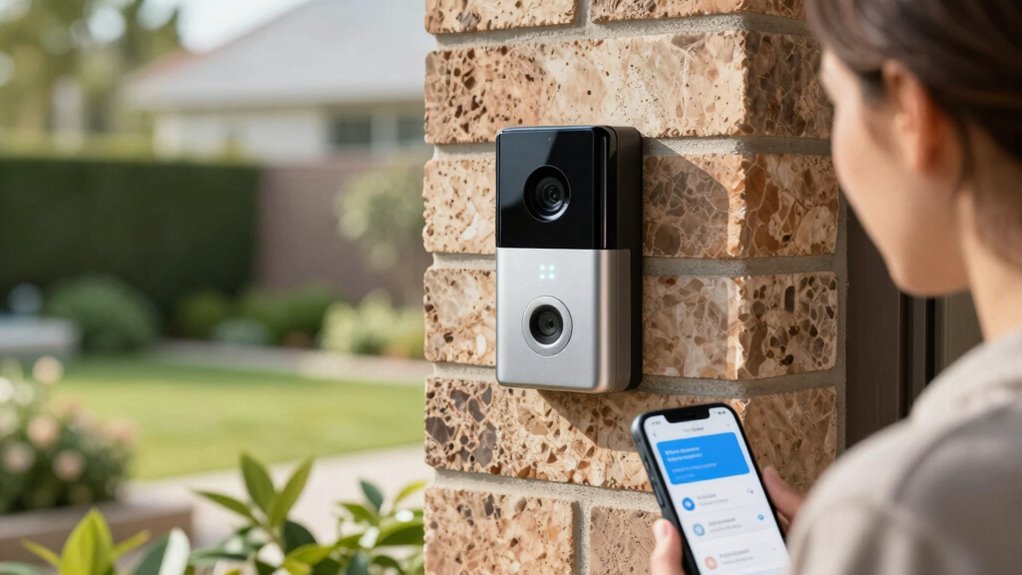
Keeping your video doorbell’s firmware up to date is essential for peak performance and security. Regular updates not only enhance your device’s functionality but also fortify its defenses against potential threats. Here are some firmware benefits you’ll enjoy:
Keeping your video doorbell’s firmware updated is crucial for optimal performance and security, protecting against potential threats.
- Improved video quality and responsiveness
- Enhanced motion detection accuracy
- Bug fixes and performance enhancements
- New features and functionalities
- Maintaining color accuracy ensures your footage remains clear and true to life.
To guarantee you’re benefiting from these updates, familiarize yourself with the update process for your specific model. Check for updates in the app or settings menu, and follow the prompts to install them. By doing this, you’ll maintain a reliable and secure video doorbell that keeps false alerts at bay while providing peace of mind.
How to Fix Persistent False Alerts?
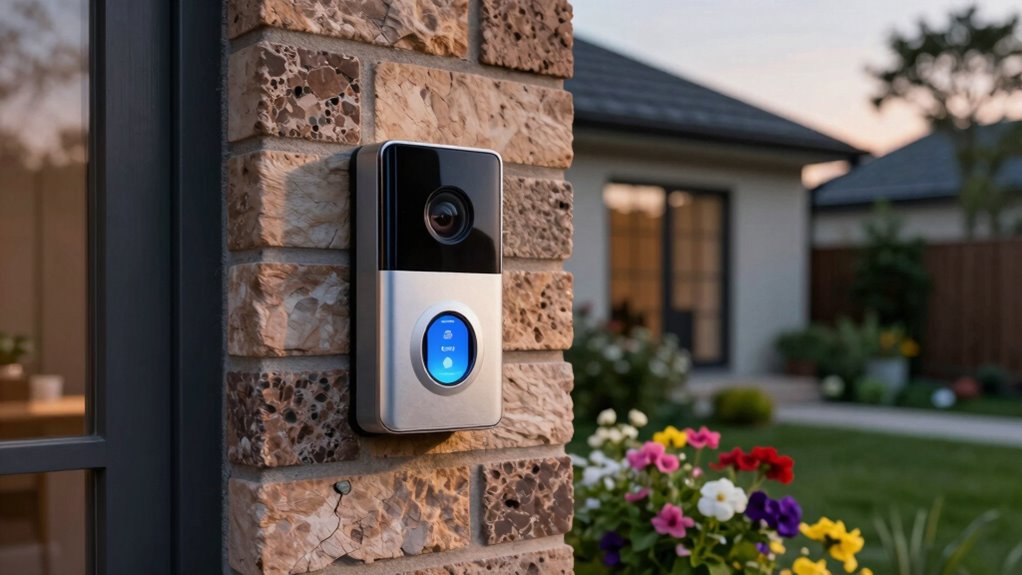
While you might appreciate the security your video doorbell offers, persistent false alerts can quickly become frustrating. To reduce these interruptions, consider adjusting your camera positioning and settings. Pay attention to pet behavior, outdoor decor, and traffic patterns that might trigger unnecessary notifications.
Here’s a quick guide to help you:
| Causes | Solutions |
|---|---|
| Lighting Conditions | Use night vision settings |
| Seasonal Changes | Adjust sensitivity seasonally |
| Neighbor Interactions | Limit detection zones |
| Delivery Notifications | Set specific alert types |
| Weather Effects | Reposition during storms |
Frequently Asked Questions
Can Video Doorbells Differentiate Between People and Pets?
Yes, many video doorbells can differentiate between people and pets using motion detection and facial recognition technology. When you set up your device, it learns to identify familiar faces and can ignore smaller movements typical of pets. This feature helps reduce false alerts, so you’re only notified when a person is at your door. Make sure to adjust the settings for ideal performance based on your specific environment and needs.
Do Weather Conditions Affect Video Doorbell Performance?
Think of your video doorbell as a weather vane—it sways with the elements. Yes, weather conditions can definitely affect its performance. Rain, snow, and strong winds can cause weather interference, leading to false alert triggers. If you notice your doorbell’s acting up during storms, it’s likely due to how the elements interact with its sensors. Adjusting settings or positioning it properly can help guarantee you’re not bombarded with unnecessary notifications.
How Do Privacy Concerns Relate to Video Doorbell Usage?
Privacy concerns with video doorbells often center around data security and surveillance ethics. You might worry that your footage could be accessed by hackers or misused by companies. It’s vital to choose a doorbell that encrypts your data and offers clear privacy settings. Additionally, consider how the cameras might capture neighbors or passersby without consent, raising ethical questions about surveillance in your community. Balancing security with respect for privacy is essential.
Can I Use My Video Doorbell Indoors?
Sure, you can use your video doorbell indoors! Just imagine your doorbell spying on your couch potato moments—what a thrill! For indoor placement, install it near high-traffic areas like hallways or living rooms. Make sure it’s within Wi-Fi range to avoid those awkward moments when it can’t connect. Just remember to hide those snacks; you don’t want it broadcasting your late-night munchies! Happy installing!
Are Video Doorbells Compatible With Smart Home Systems?
Yes, video doorbells are often compatible with smart home systems. You can enjoy various integration options, connecting them to your smart speakers, lights, or hubs. This compatibility allows you to receive smart notifications about visitors, enhancing your home security. Just check your specific doorbell’s compatibility with your existing system to guarantee seamless operation. With the right setup, you’ll easily manage your smart home from one central app or device.
Conclusion
By fine-tuning your video doorbell settings, you can enjoy peace of mind without the annoyance of constant alerts. While you want that instant notification for real visitors, it’s equally important to minimize distractions from passing cars or wandering pets. Take a moment to adjust sensitivity and set activity zones, and you’ll find a balance that works for you. With regular updates and tailored notifications, you can keep your home secure without the chaotic buzz of false alarms.
Halloween Picks
halloween
As an affiliate, we earn on qualifying purchases.