If your video doorbell’s camera angle isn’t set correctly, you’ll likely get useless alerts from passing cars, animals, or leaves. Pointing the camera too high, low, or wide can capture irrelevant movement and cause constant notifications, which leads to alert fatigue. Proper placement and adjusting the field of view are key to focus on what’s important—your front door. Keep in mind, fine-tuning your camera’s angle can make your security more accurate and reliable. Learn more to optimize your setup.

Get decor and gifts delivered free with Prime
- Fast, free delivery on millions of items
- Prime Video, Amazon Music and more included
- Member-only deals all year
Key Takeaways
- Incorrect camera angles can trigger false alerts from passing cars, animals, or environmental movement.
- Misaligned doorbell cameras often capture irrelevant areas, reducing alert relevance and increasing notifications.
- Properly adjusting the camera’s tilt and position ensures it focuses on the doorway and minimizes unnecessary detections.
- Overly wide or high angles can include neighbors’ yards or streets, raising privacy concerns and false alarms.
- Customizing motion detection zones helps filter out non-essential activity, reducing useless alerts caused by angle mistakes.
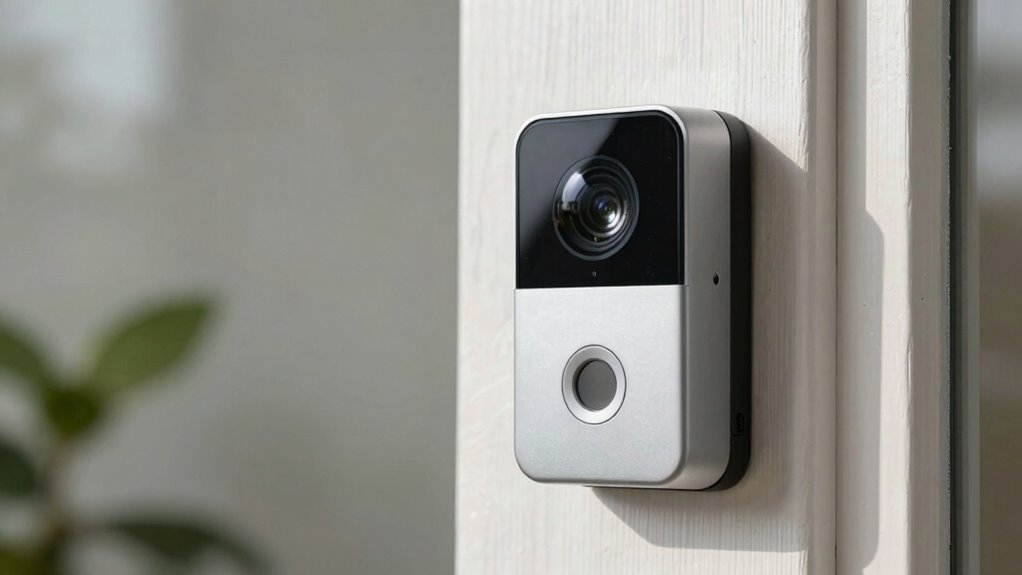
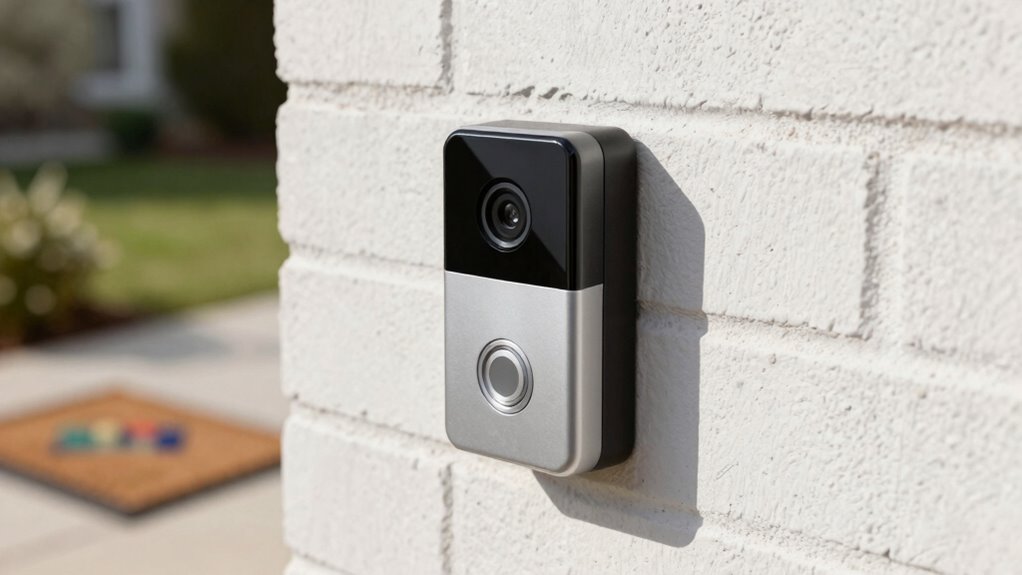
Have you ever wondered how to boost your home security while adding convenience? Video doorbells are a popular choice, offering a way to see who’s at your door without opening it. But if you’re not careful with the setup, you might find yourself overwhelmed with useless alerts. One common mistake is misaligning the camera angle, which can lead to constant notifications that don’t add value. When the camera points too high or too low, it may pick up irrelevant movements—like passing cars, animals, or even leaves blowing in the wind. This not only creates annoyance but also diminishes the effectiveness of your security system. You want alerts to be meaningful, signaling genuine activity at your doorstep, not every passing shadow or distant movement.
Proper placement of your video doorbell’s camera is vital, but it’s equally important to evaluate motion detection zones. Many models allow you to customize these zones, so you can focus on the area directly in front of your door. This reduces false alerts caused by traffic or neighboring activity. When the angle is set correctly, your doorbell’s motion detection becomes more precise, alerting you only when someone approaches your door or rings the bell. This setup saves you from drowning in notifications and helps you respond more efficiently to real threats or visitors. Additionally, understanding the camera’s field of view can help optimize coverage and alert accuracy. A well-placed camera also considers field of view to maximize coverage without overextending into unwanted areas. Adjusting the angle carefully can also prevent the camera from capturing irrelevant movements, which often lead to false alerts. Properly configuring these settings can significantly enhance the overall reliability of your security system. Incorporating motion detection zones customization can further improve alert accuracy and reduce unnecessary notifications.
Customize motion zones to focus alerts on your front door, reducing false notifications and improving security accuracy.
However, as you fine-tune your camera’s position and detection zones, keep privacy concerns in mind. An overly wide angle might inadvertently capture neighbors’ yards or street views, raising questions about privacy and data sharing. Be aware of how your camera’s angle could infringe on others’ privacy, and adjust it accordingly. Many doorbells include privacy settings, like blurring or disabling certain zones, to help you stay compliant with local regulations and respect your neighbors’ rights. Balancing effective security with privacy is essential, and a well-angled camera minimizes unintended surveillance. Being mindful of the privacy implications can help you avoid potential conflicts or legal issues associated with surveillance.
In essence, the angle mistake isn’t just about aesthetics; it directly impacts the usefulness of your video doorbell. An improperly aligned camera can flood you with useless alerts, causing alert fatigue and reducing your system’s reliability. By carefully adjusting the angle and customizing motion detection zones, you guarantee the alerts you receive are relevant and timely. At the same time, staying mindful of privacy concerns helps you use your doorbell responsibly, avoiding unnecessary conflicts or legal issues. With a little effort in setup, your video doorbell becomes a powerful tool for home security and convenience—without the nuisance of pointless notifications.
Products Worth Considering

Philips Hue Secure Wired Video Doorbell, 2K, Black
Google Nest Cam Indoor (Wired, 3rd Gen) – Security Camera – Snow

Google Nest Doorbell (Wired, 2nd Gen) – Snow
As an affiliate, we earn on qualifying purchases.
Frequently Asked Questions
How Do I Update My Video Doorbell’s Firmware?
To update your video doorbell’s firmware, open the app connected to your device. Navigate to the device settings and look for a firmware update or software update option. Tap it to check for available firmware updates and security patches. If updates are available, follow the prompts to install them. Regularly updating your firmware guarantees your doorbell stays secure and functions smoothly with the latest features.
Can I Connect Multiple Doorbells to a Single App?
Imagine your home as a symphony, each doorbell playing its part. Yes, you can connect multiple doorbells to a single app through doorbell pairing, creating harmony. Focus on app synchronization, ensuring each device communicates seamlessly. This way, you’ll receive unified alerts, no matter which door is knocked. Just follow the manufacturer’s instructions for pairing, and you’ll orchestrate a perfect, synchronized security system that keeps your home safe and connected.
What’s the Best Angle for Detecting Package Deliveries?
You should tilt your camera slightly downward, focusing on the area where packages are usually placed. Position the camera at an angle that captures the package placement spot clearly without too much background. Adjust the camera tilt to guarantee it’s centered on the porch or doorstep, reducing false alerts from passing cars or people. Proper package placement and camera tilt help you get accurate delivery alerts and avoid missed deliveries.
How Long Does the Battery Typically Last in Wireless Models?
Battery life in wireless video doorbells usually lasts between 1 to 6 months, depending on usage, like a battery-powered flashlight fading over time. You can extend this with smart power management, such as adjusting motion sensitivity or recording settings. Regularly checking and recharging keeps your doorbell functioning smoothly, ensuring you stay connected without interruptions. Proper power management is key to maximizing battery life and avoiding frequent replacements.
Are There Privacy Concerns With Smart Doorbell Cameras?
Yes, there are privacy risks with smart doorbell cameras. You might unknowingly share data with third parties through data sharing agreements, which can expose your personal information. Additionally, hackers could potentially access your camera feed if security isn’t tight. To protect yourself, review privacy policies carefully, use strong passwords, and keep your device’s software updated. This way, you can enjoy the benefits without compromising your privacy.
Conclusion
So, next time you’re fussing over your video doorbell’s alerts, remember: it’s not the camera’s fault if you’ve set the wrong angle. Instead of wasting time chasing false alarms, maybe just accept that your front porch is now the most exciting part of your day — for all the wrong reasons. Ironically, the very angle meant to protect you might be the reason you ignore genuine threats. Sometimes, the simplest fix is the best one.