
To prevent voice assistants from taking over your home, set clear boundaries by disabling unnecessary features, limiting data sharing, and regularly reviewing privacy controls. Use physical mute buttons or silence microphones when not needed, and create separate Wi-Fi networks for smart devices to enhance security. Educate everyone in your household on responsible use and security practices to maintain control. If you keep these steps in mind, you’ll discover how to balance convenience with privacy effectively.

Get decor and gifts delivered free with Prime
- Fast, free delivery on millions of items
- Prime Video, Amazon Music and more included
- Member-only deals all year
Key Takeaways
- Set clear boundaries by limiting voice assistant use during private times and using manual controls when privacy is needed.
- Regularly review and update privacy settings to control data sharing and restrict unnecessary features.
- Silence microphones or turn off devices when not in use to prevent unintended activation.
- Educate household members about responsible usage and privacy practices to maintain control over device interaction.
- Use separate Wi-Fi networks for smart devices to contain potential security risks and prevent overreach.
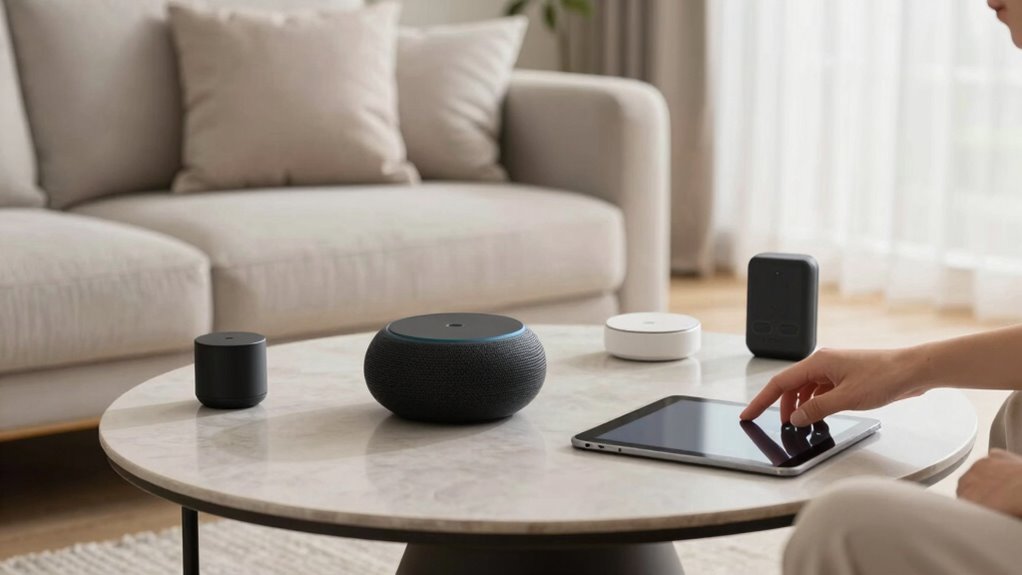
Voice assistants can make daily tasks more convenient, but if you’re not careful, they can also start to dominate your home environment. You might find yourself relying on them for everything, from setting reminders to controlling smart devices, but this increased dependence raises important questions about privacy concerns and device security. To enjoy the benefits without letting these devices overrun your space, you need to set clear boundaries and maintain control.
Balancing convenience and control is key to keeping your smart devices from taking over your home.
First, be mindful of the information you share with your voice assistant. These devices are always listening for their wake words, but sometimes they pick up more than intended. Avoid giving sensitive information, like passwords or personal details, through voice commands. Regularly review and delete voice recordings stored by the assistant’s app, and disable features that aren’t necessary. This helps mitigate privacy concerns, ensuring your conversations aren’t stored or shared without your knowledge.
Device security is equally critical. Many voice assistants connect to your Wi-Fi network and smart home devices, creating potential vulnerabilities if not properly secured. Use strong, unique passwords for your Wi-Fi network and enable two-factor authentication where available. Keep your device’s firmware and associated apps updated; manufacturers often release security patches that fix vulnerabilities. Consider setting up a separate network for your smart devices, so even if one gets compromised, it doesn’t threaten your main connection or personal devices. Additionally, understanding the privacy settings available on your device can help you tailor its operation and limit data sharing.
Another way to prevent voice assistants from overtaking your home is to set boundaries for their use. For example, silence or turn off the microphone when you’re not actively using the device, especially during sensitive times or in private spaces. You can also opt for manual controls over voice commands when privacy is a concern. Many assistants have physical mute buttons—use them liberally to prevent accidental activation or eavesdropping.
It’s also wise to educate everyone in your household about responsible voice assistant use. Make sure they understand the importance of not sharing sensitive information and how to properly secure devices. Regularly review device settings to ensure they align with your privacy and security preferences.
Ultimately, regulating how and when your voice assistant interacts with your home environment helps prevent it from taking over. By being cautious about privacy concerns, maintaining device security, and establishing clear boundaries, you can enjoy the convenience these devices offer without sacrificing your privacy or security. Remember, these tools are meant to serve you, not dominate your space.
Products Worth Considering

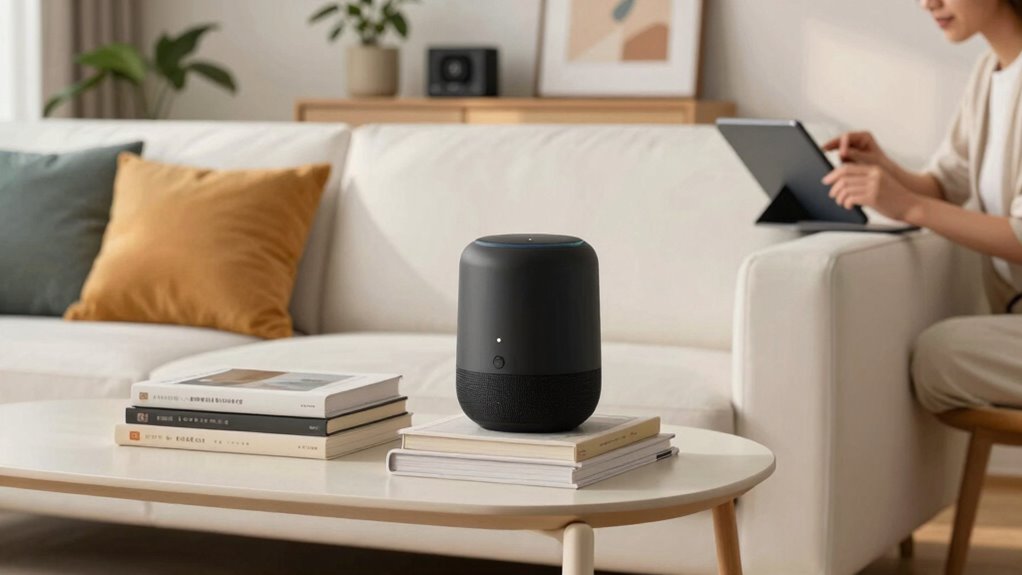
Sonos Era 100 Wireless Smart Speaker, Black

Samsung 48-Inch S90H OLED 4K Smart TV (2026)

Samsung 42-Inch S90H OLED 4K Smart TV Bundle
As an affiliate, we earn on qualifying purchases.
Frequently Asked Questions
Can Voice Assistants Be Hacked Easily?
Voice assistants can be hacked, so you should stay cautious about privacy concerns and hacking risks. Hackers may exploit vulnerabilities in your device or network, potentially gaining access to your personal data. To protect yourself, regularly update software, use strong passwords, and disable features you don’t need. Being vigilant helps prevent unauthorized access and keeps your smart home secure, ensuring voice assistants serve you without compromising your privacy.
How to Prevent Voice Assistants From Listening All the Time?
To prevent your voice assistant from listening constantly, adjust your privacy settings to disable the microphone when not in use. Place your device in a less private area, like a living room, rather than bedrooms or personal spaces. Regularly review and update privacy options, and consider physically muting the device when you’re not actively using it. These steps help protect your privacy without sacrificing convenience.
Are Voice Assistants Safe for Children?
Voice assistants can be safe for children if you prioritize child safety by setting up parental controls. These controls help restrict access to inappropriate content and monitor usage. Always supervise your child’s interactions, and educate them about privacy and safety. Using voice assistants responsibly guarantees they’re a helpful tool rather than a risk, giving you peace of mind while your kids enjoy the benefits of smart technology.
Do Voice Assistants Record Private Conversations?
Did you know 43% of voice assistant users worry about privacy concerns? Voice assistants do record private conversations, often unintentionally capturing sensitive info. These recordings are stored to improve services, raising data security concerns. To protect yourself, regularly review privacy settings, delete recordings, and disable voice recording when not needed. Being proactive helps you enjoy the convenience without compromising your privacy or risking data security.
Can Voice Assistants Be Turned off Completely?
Yes, you can turn off voice assistants completely by adjusting privacy settings and disabling voice command features. Most devices offer options for voice command customization, allowing you to deactivate listening modes or mute microphones. Check your device’s privacy settings to turn off voice activation, ensuring the assistant won’t listen or record. This gives you control over your privacy, preventing unwanted recordings and safeguarding your personal conversations.
Conclusion
To keep control of your smart home, set clear boundaries for your voice assistants. Research shows that users who regularly review and update their privacy settings feel more secure. Don’t buy into the myth that voice assistants are inevitably invasive; they only become a problem if you let them. Stay informed, be intentional about what you share, and remember: you’re the one calling the shots. Keep your house smart, not overrun.